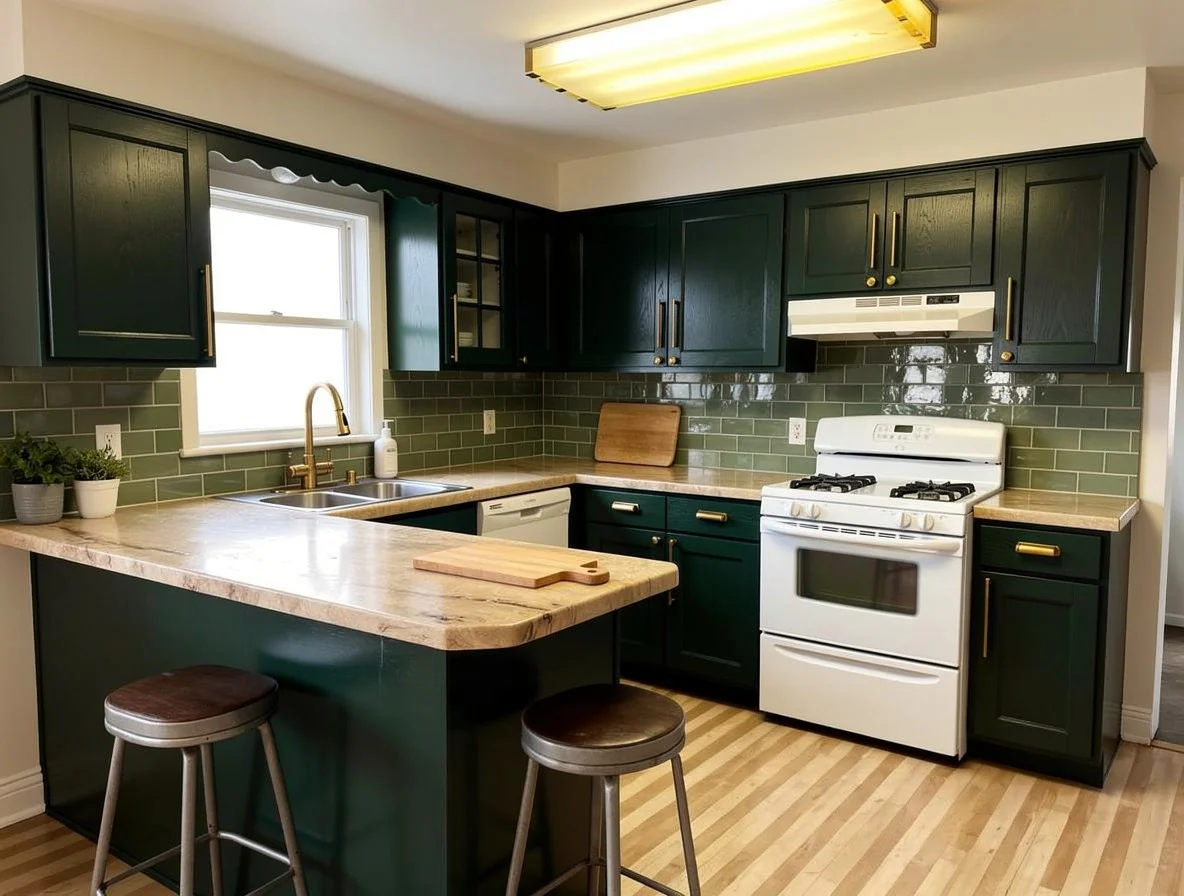
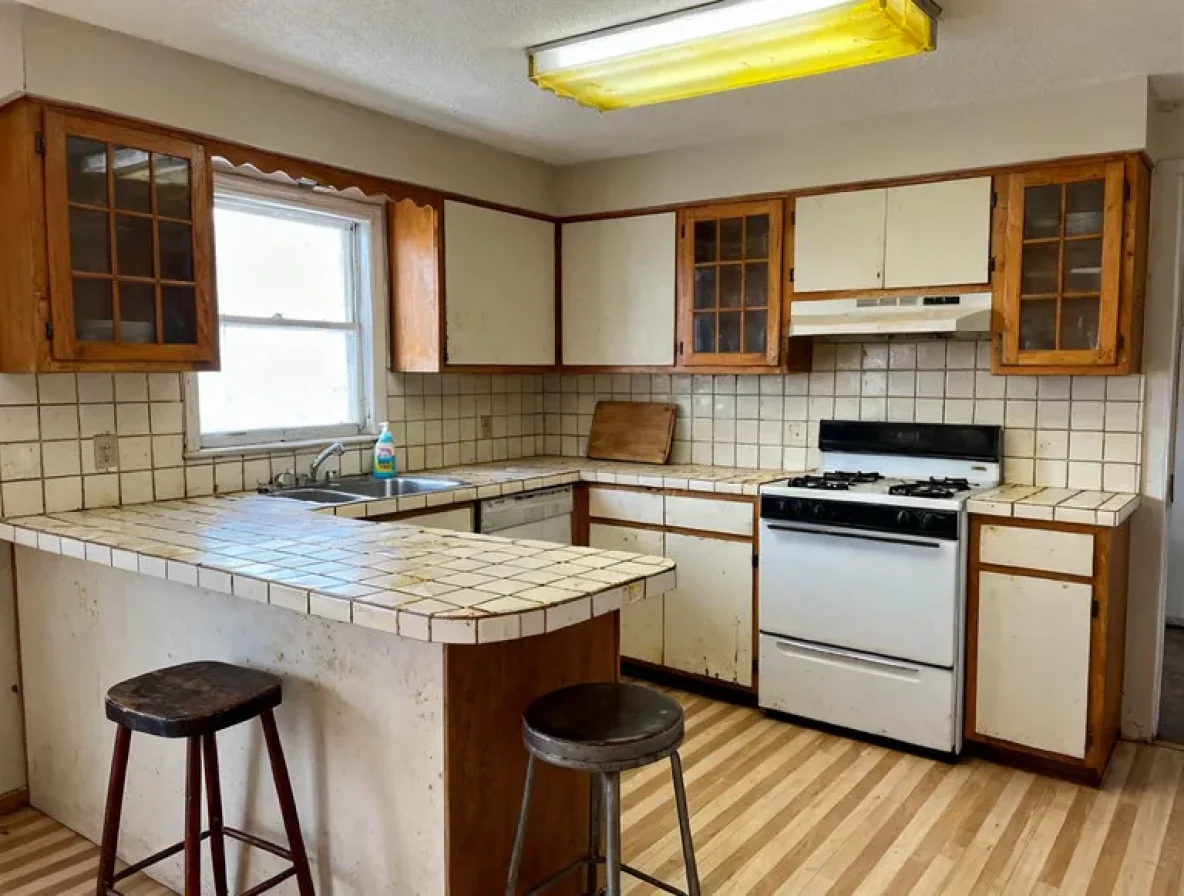
See your whole kitchen in a new color scheme before you buy any paint
Every picture on this page is one real kitchen, changed by Kitchen Color Scheme. It is a gallery of finished results. To do it to your kitchen, upload a photo on the home page.
How it works on your own kitchen
Use a paint swatch photo, a picture of a kitchen you love, or a board of material close-ups.
Colors and materials come across. Your sink, range, fridge and windows stay where they are.
Opens the tool on the home page. Bring one photo of your kitchen.
One palette, not one door
A kitchen color is never one color. It is the cabinets, the counter, the tile, the floor and the metal on the doors, all sitting next to each other under one window.
This page takes a photo of your kitchen and a picture of the palette you like. It brings back your room with the cabinets, counters, tile and hardware in that scheme. The wall color can shift with it. The layout, the windows and the appliances stay where they are.
Which page do you need?
Use the cabinet color visualizer when the counters, tile and floor are staying. It repaints the doors only and holds everything else steady, so one change is easy to judge.
Use this page when more than one surface is up for change, or when you do not yet know which one should carry the color. You see the whole scheme at once and decide from there.
Why colors that work alone fail together
A sample card can look right next to a white wall. Then it meets a warm counter, a cool floor and your bulbs, and the scheme argues with itself.
A major kitchen remodel costs $55,000 at the middle of the range. 47% of homeowners who remodeled say they liked their home more before they did it. Seeing the scheme on your own photo first is the cheap way to avoid being one of them.
How it works
1. Upload a photo of your kitchen. A phone photo is fine. Stand back far enough to get the main runs of cabinets and the counter in the frame.
2. Give it the palette. Upload a swatch photo, a picture of a kitchen you love, or a board of material close-ups. Two or three images that agree work better than thirty that do not.
3. Look at your own kitchen. Your room comes back in the new scheme. Try a second palette. Most people try several before one feels right.
Choosing a kitchen color scheme
Pick one surface to lead. Let the cabinets, or the tile, or the counter carry the color. The other surfaces support it.
Start from what is staying. The floor and the counter are expensive to change. Hold your palette against them first.
Check the undertone. Whites lean yellow, pink or blue, and grays lean green, blue or purple. See white kitchen ideas for examples. The undertone is the first thing you see across a whole room.
Look at your light. A north window, a south window and warm evening bulbs all shift the same scheme. Judge it in the photo you took in your own kitchen.
Test paint on the wall before you buy. The tool shows how a scheme sits in your room. It does not tell you how a paint feels or holds up. Paint a small patch and look at it for a few days.
Start from a style, then make it yours
If you do not have a palette yet, a style is a ready-made one. Hamptons pairs white and navy. Scandinavian keeps it light and airy. Organic Modern and Tuscan lean warm and earthy.
Not sure which direction fits you? The free 2-minute quiz helps you find a style. Then bring your pick back here and try it on your own kitchen.
Same rooms, different palettes
These are demonstration kitchens, not customer photos. Each starting room was generated, and every result below is the real Kitchen Color Scheme output run on it, with nothing retouched afterwards.
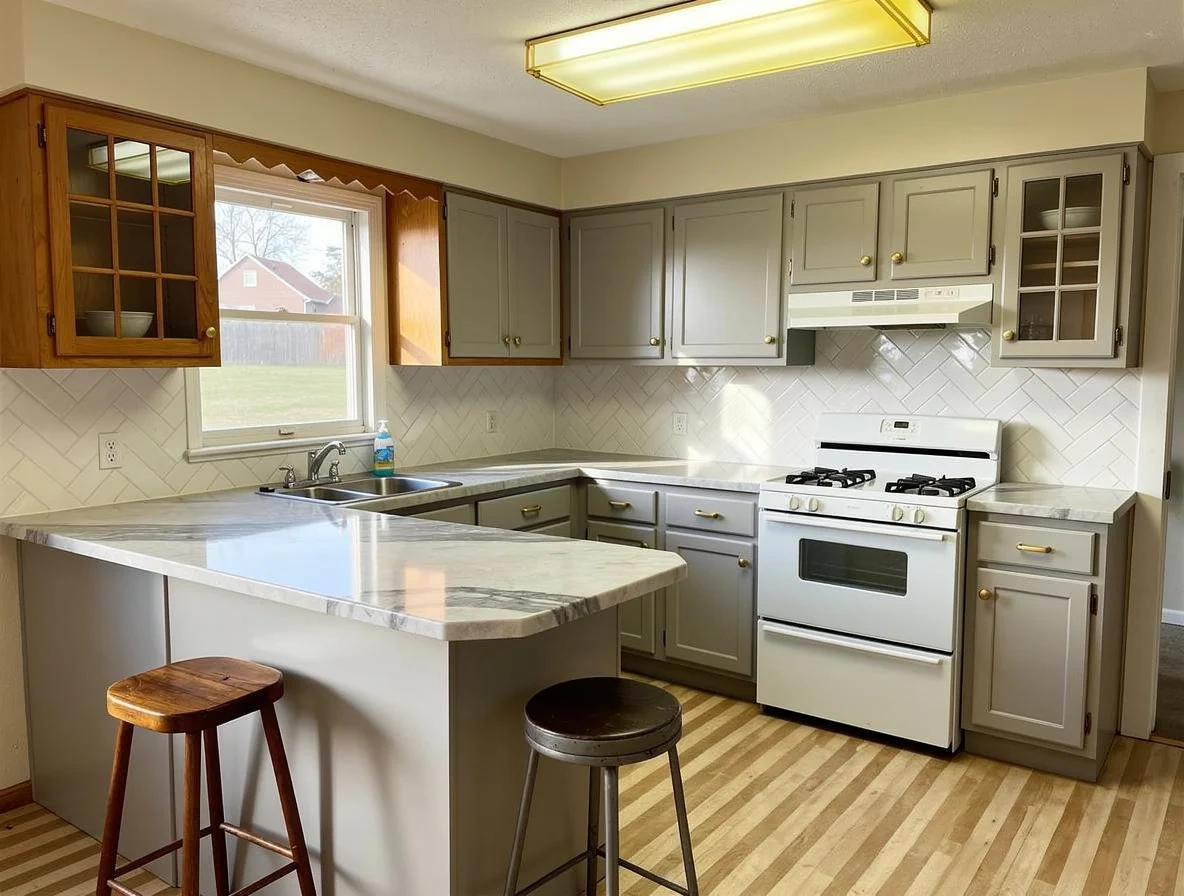
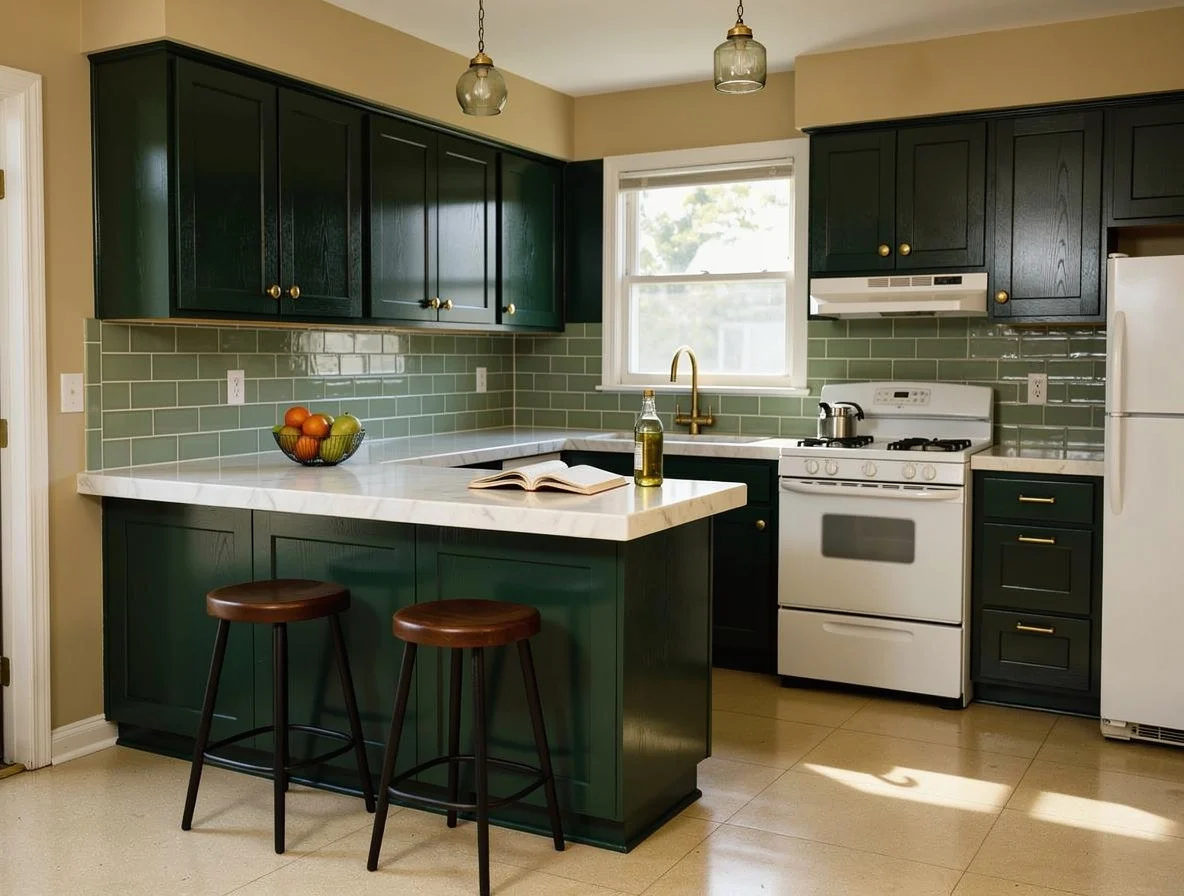
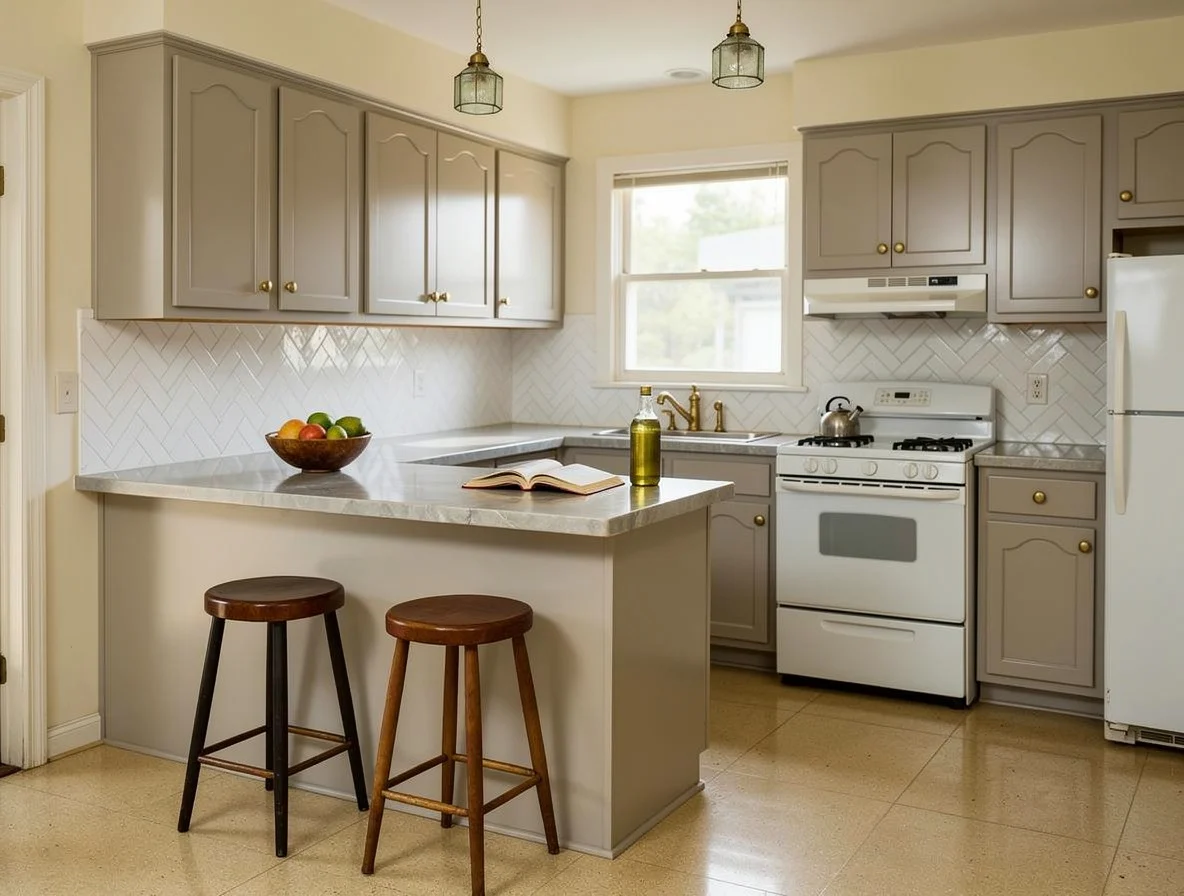
That is one room. Yours is the room you actually have to live in.
Questions people ask
What is the difference between this page and the cabinet color visualizer?
The cabinet color page repaints the doors and leaves everything else alone. This page changes the whole palette together: cabinets, counters, tile and hardware. Use the cabinet page when the counters and floor are staying. Use this one when several surfaces are up for change.
Will it change my layout or move my appliances?
No. Your sink, range, fridge, windows and walls stay where they are. Only colors and materials change, so you are judging your own room and not a stock photo of another kitchen.
What do I upload as the palette?
A photo of a paint swatch works. So does a picture of a kitchen you like, or a board of material close-ups. Two or three images that agree give a clearer answer than thirty that do not.
Does it paint my walls?
The palette can shift the wall color in the picture too. Treat that as a guide, not a paint match. Test a small pot on the wall itself before you buy the full amount.
Can I test just one color instead?
Yes. If you only want to repaint the doors, the cabinet color visualizer holds everything else steady, which makes one change easier to judge.
Which styles use these palettes?
Many of the 200+ styles are really a color story. If you do not have a palette yet, browse the style pages first, then bring your favorite back here and try it on your own kitchen.
Is there a free version?
No. This tool is on the Studio plan. Every plan comes with 30 days money back and one-click cancellation. The free 2-minute quiz is a separate way to find a style direction first. See the pricing page for current plans.
What to look at next
Cabinet Painter
If the counters and floor are staying and only the doors are changing.
Redesign
If you would rather start from a style than a palette, in any of 200+ styles.
Material Swap
Test the counter on its own once the palette is settled.
Change Flooring
The floor is the surface a new palette has to live with every day.
Now do it to your own kitchen
Upload one photo of your own room and watch the same change happen to it.
One photo. About a minute. Your room, not this one.