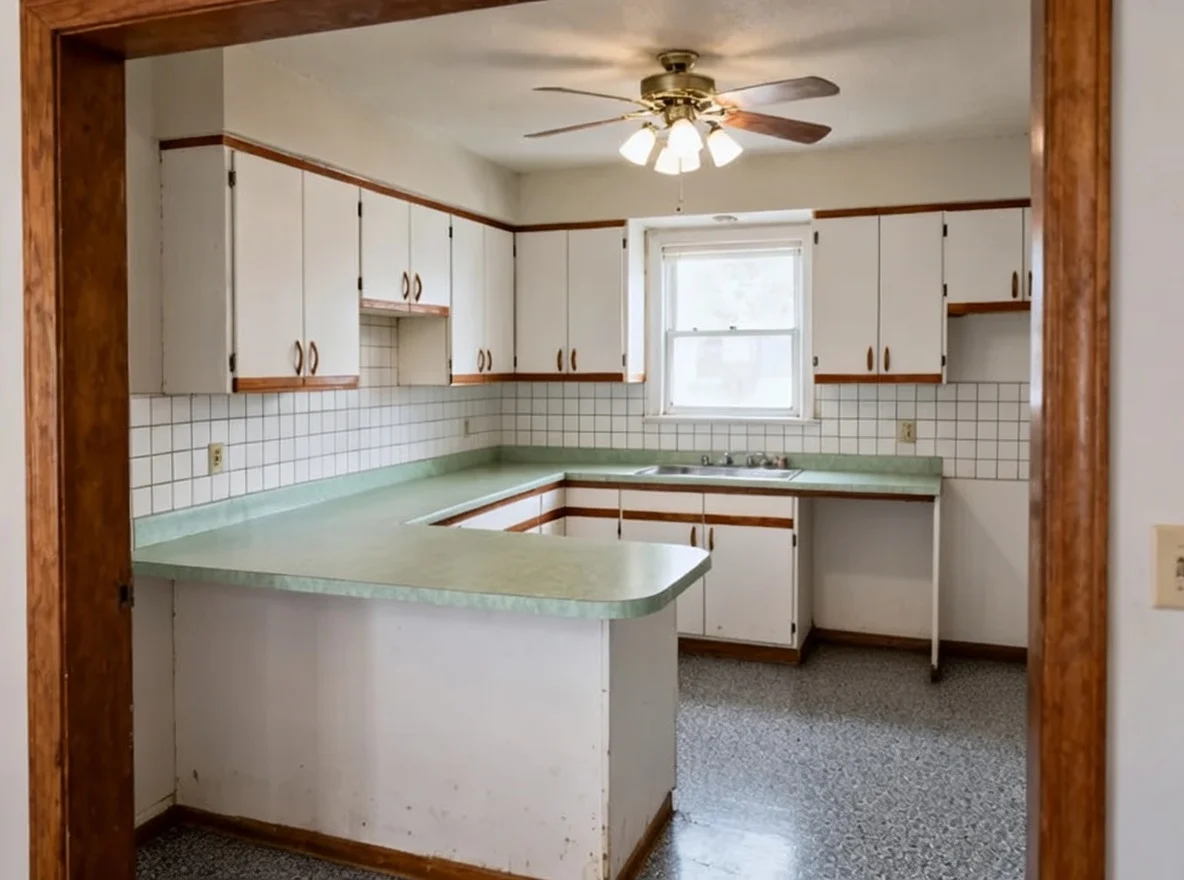
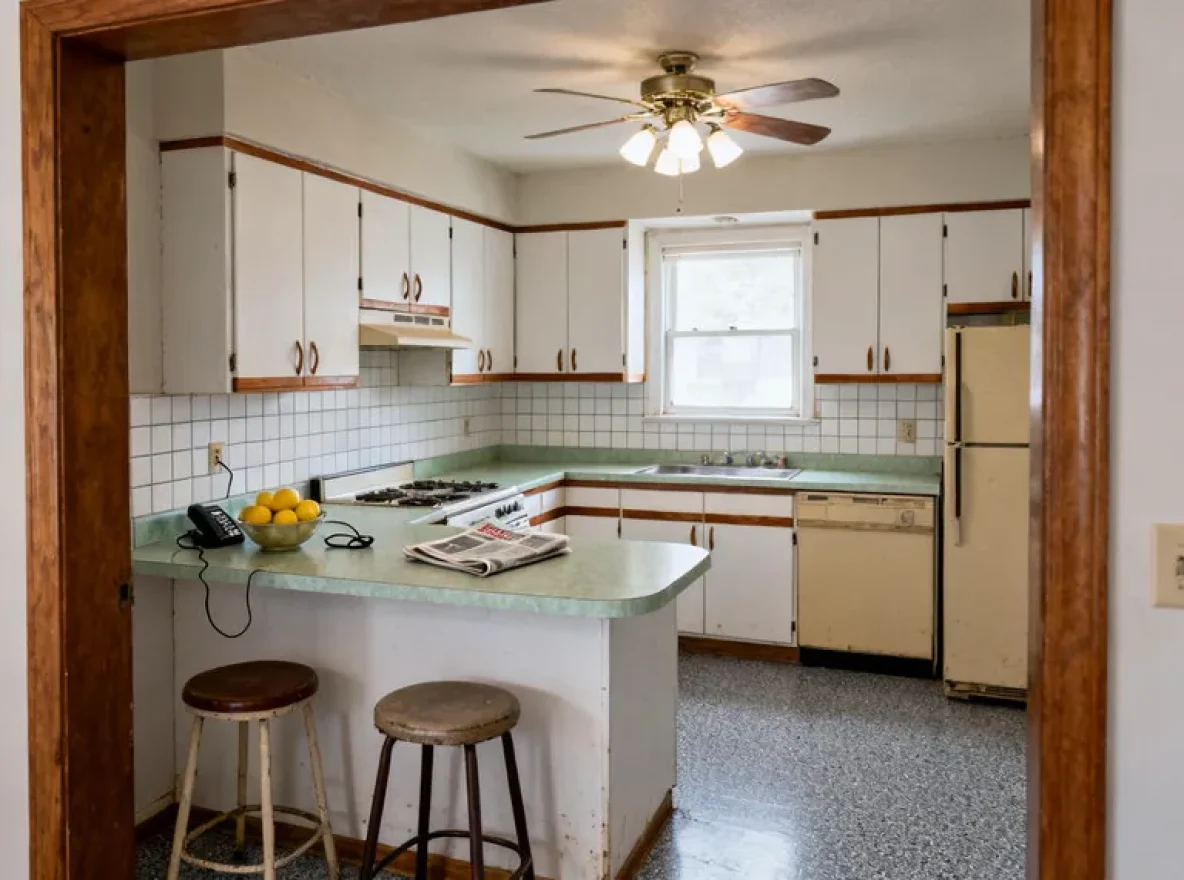
Take everything out of the room without carrying anything
You stopped seeing your own kitchen years ago, and everything on the counter is in every photo you take of it. This page explains what Empty the Room does. To clear your own photo, upload it on the home page.
How it works on your own kitchen
Upload the kitchen as it is, clutter and all.
Everything moveable comes out. The room stays exactly where it was.
Opens the tool on the home page. Bring one photo of your kitchen.
You stopped seeing your own kitchen years ago
Take a photograph of your kitchen right now and look at it. There is a kettle, a drying rack, a stack of post, a chopping board leaning against the wall, four things on top of the fridge.
You do not see any of it, because you live there. But it is in every photo you take, it is in every result any design tool gives you back, and it is the reason your kitchen looks worse in pictures than it does in life.
This takes it all out. Furniture, appliances, decor, everything sitting on the counters. What is left is the room: the walls, the windows, the floor, the shape of the space.
Three reasons to run it
Before you stage a listing. Staging works on an empty room. If the kitchen still has the seller's things in it, clear the photo first and furnish the result.
Before you redesign. Clutter carries through. A photo with a crowded counter produces a result with a crowded counter, and then you are judging a new kitchen through the same mess that made the old one look tired.
To see the room itself. This is the underrated one. Stripped of everything you own, the room is easier to think about. Where the light actually falls. How long that wall really is. Whether the awkward corner is as bad as you think.
What stays exactly where it was
The walls, the windows and the view through them. The floor and the ceiling. The camera angle and the perspective, unchanged, so the result lines up with the original.
Nothing gets wider and nothing gets taller. An empty room reads as bigger than a full one, and that is an effect of emptiness rather than a change to the dimensions. If you are publishing the result anywhere a buyer will see it, put the two photos side by side and satisfy yourself that the room is the same room.
Getting a clean result
- Stand back far enough to get the whole room in the frame, including the floor.
- Daylight, not the ceiling light.
- If something is very large and very close to the camera, move it before you shoot. A dining table filling the foreground is harder to remove than a kettle.
- Shoot straight on where you can.
After it is empty
Two obvious next steps. Stage it, if this is for a listing. Or redesign it, if this is for you, and see the shell of your room in a style you are considering with none of your own clutter arguing with the result.
Either way you are now looking at the room rather than at your life in it, which is the only way to judge either one.
Three more kitchens, cleared out
These are demonstration kitchens, not customer photos. Each starting room was generated, and every result below is the real Empty the Room output run on it, with nothing retouched afterwards.
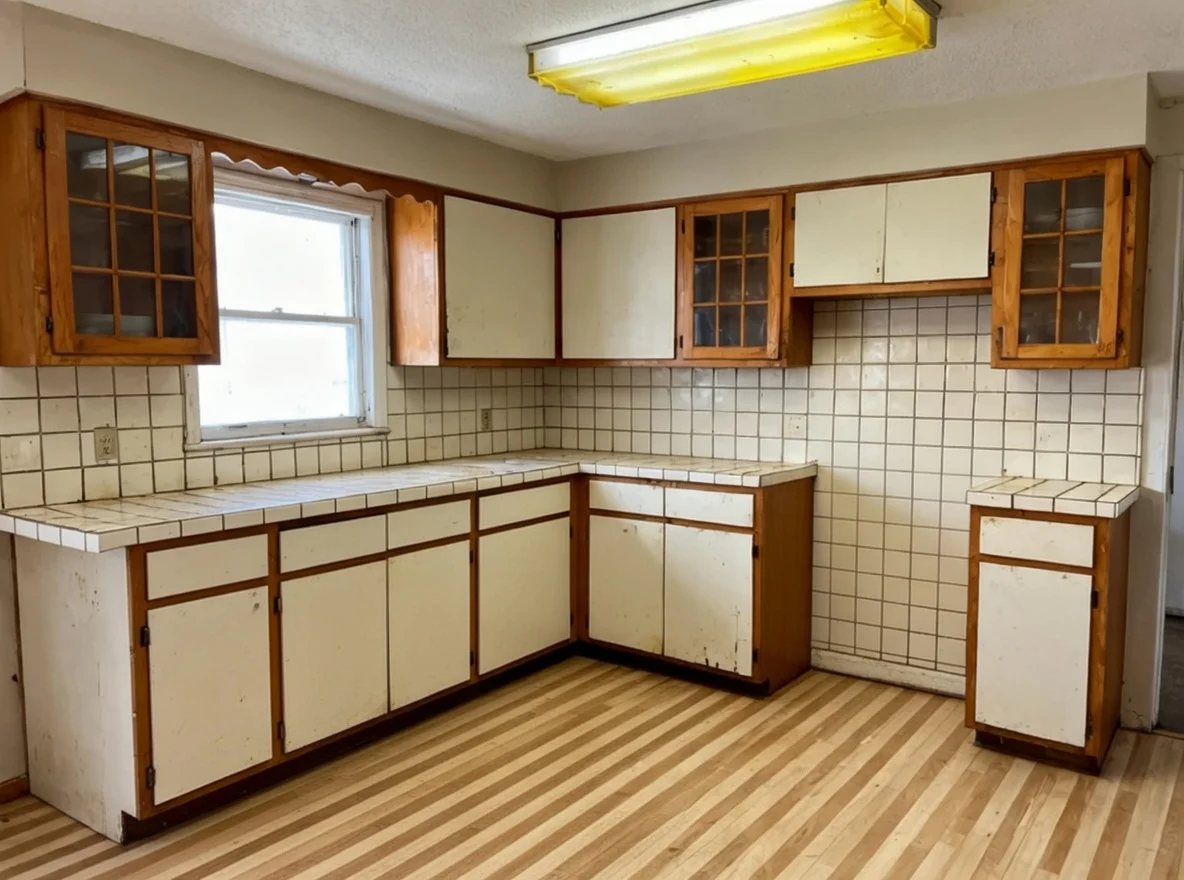
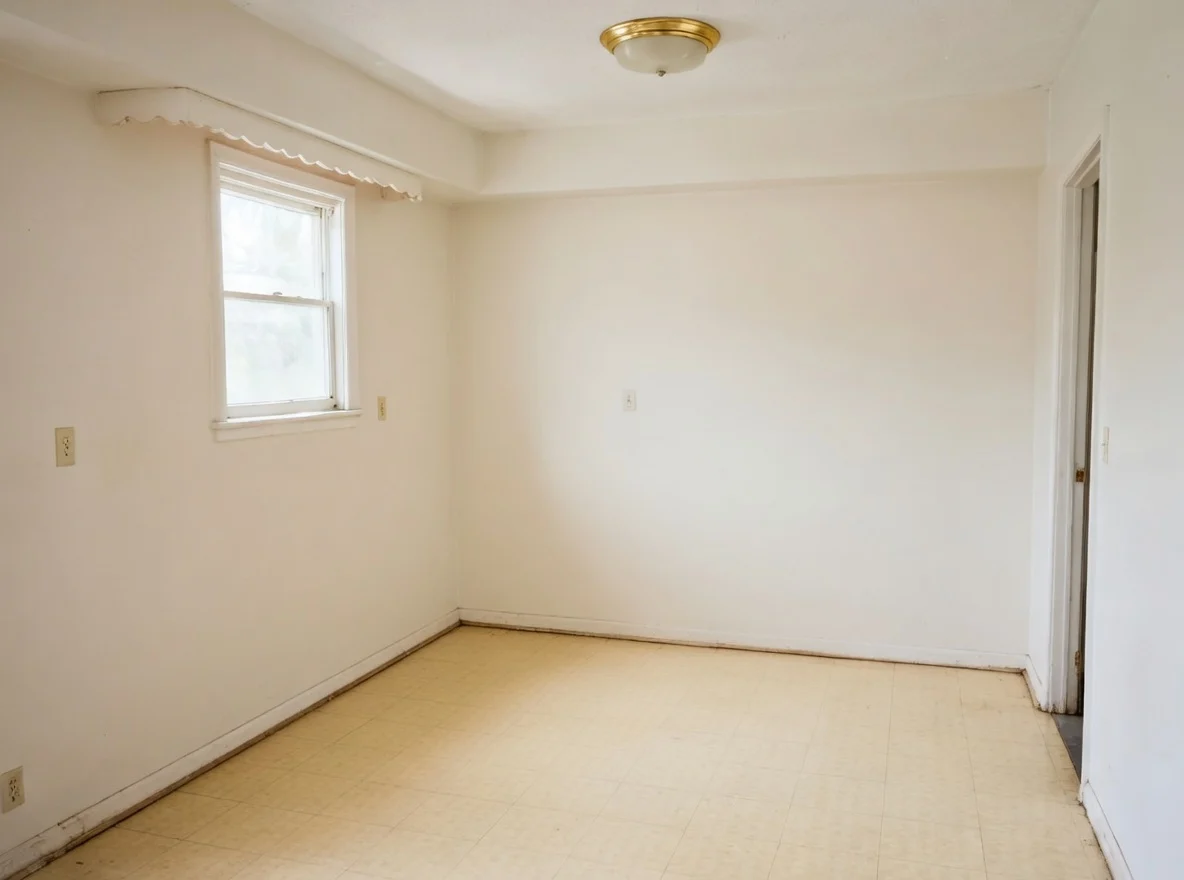
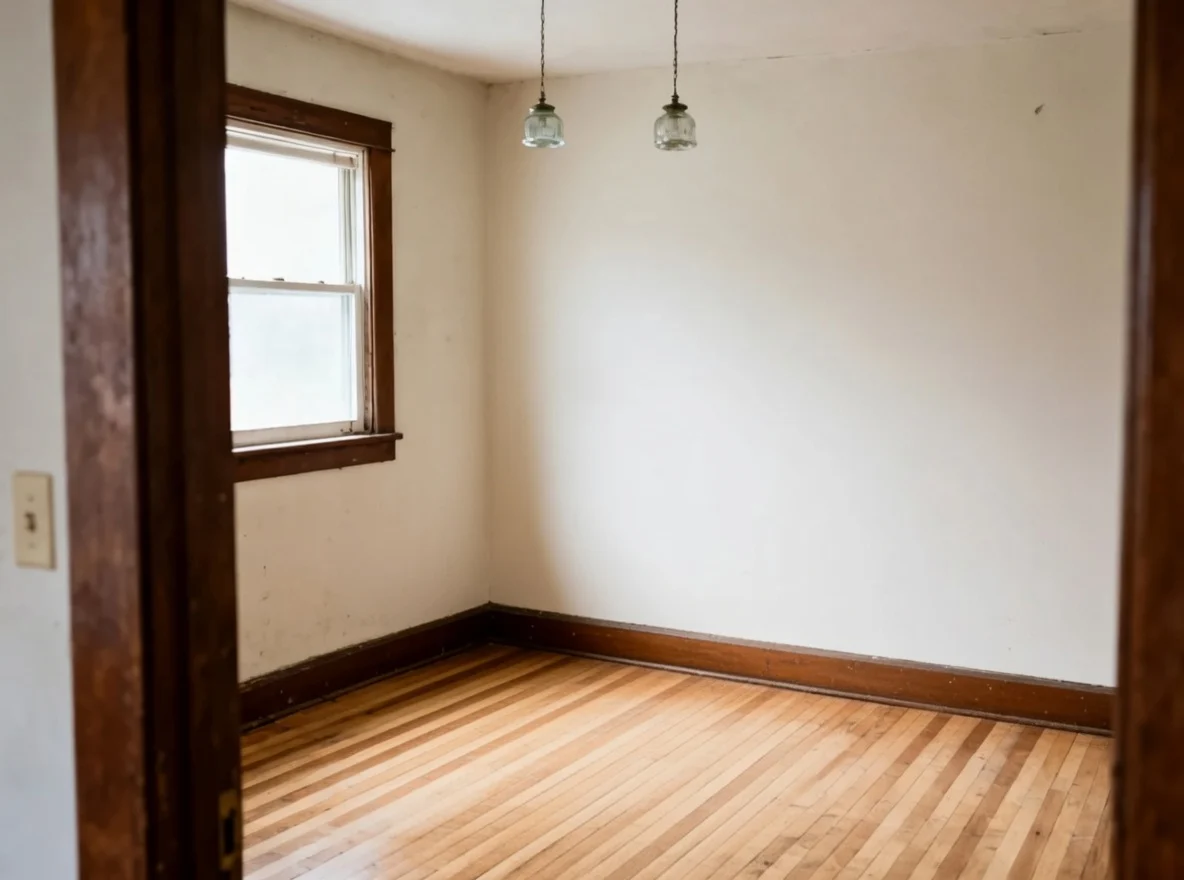
Clutter carries through into every other result, so this is the change worth making first.
Questions people ask
Why would I want an empty kitchen?
Three reasons. To stage it for a listing without moving furniture. To see the room itself rather than what is in it, which is surprisingly hard when you live there. And because clutter carries through into every other result, so clearing it first makes everything else you generate cleaner.
Does it remove the fitted units too?
Sometimes, and you cannot count on either answer. What it is asked for is what is moveable: furniture, appliances and decor. That is what the slider at the top gave back, cabinets and counters and ceiling fan all left standing. Two of the three kitchens in the gallery below went further and took the fitted units out as well, down to bare walls and floor. So look at the result before you use it, and run it again if it went further than you wanted. If you want the cabinets gone on purpose rather than by chance, a redesign is a better way to ask for it.
Will the room look bigger than it is?
It will look emptier, which reads as bigger. The dimensions do not change, the camera does not move back, and no wall is removed. If you are using the result in a listing, that distinction matters and it is worth checking the result against the original before you publish it.
Which plan includes it?
Every paid plan. Every plan comes with 30 days money back and one-click cancellation, and failed generations never cost you credits.
See the room, not the things in it
Take everything out of the picture and look at what is actually there: the walls, the windows, the light and the shape of the space.
One photo. About a minute. Your room, not this one.