Find the design language
Move beyond vague labels like “clean” or “warm” by seeing how a complete style treats cabinetry, color, surfaces, and lighting together.
Kitchen style transfer
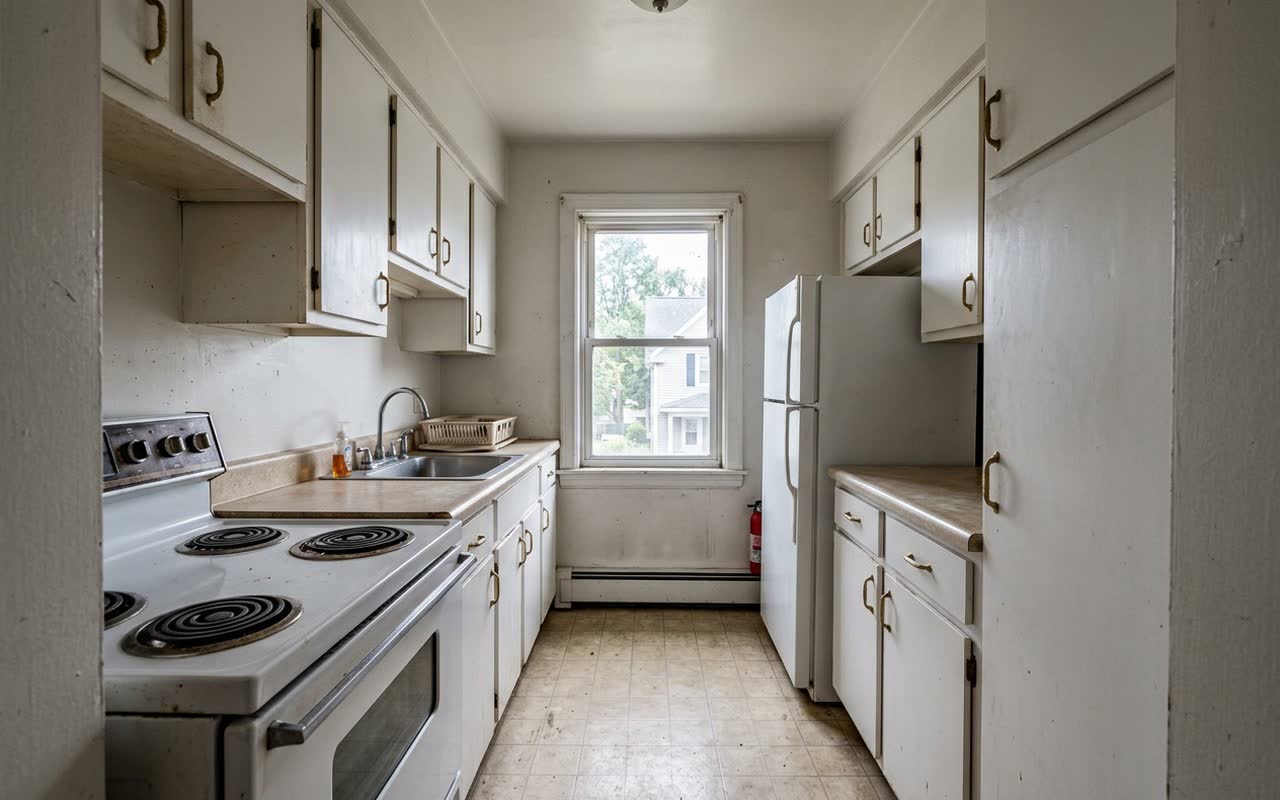
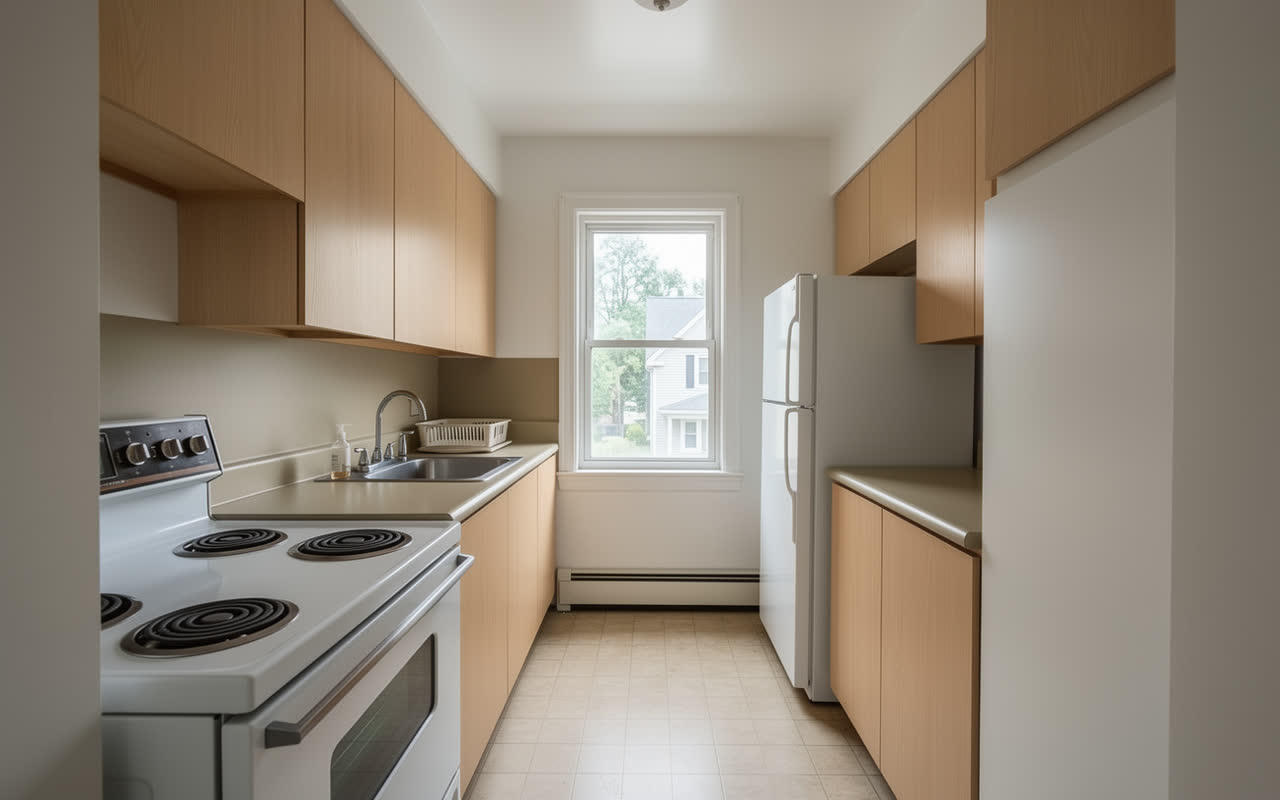
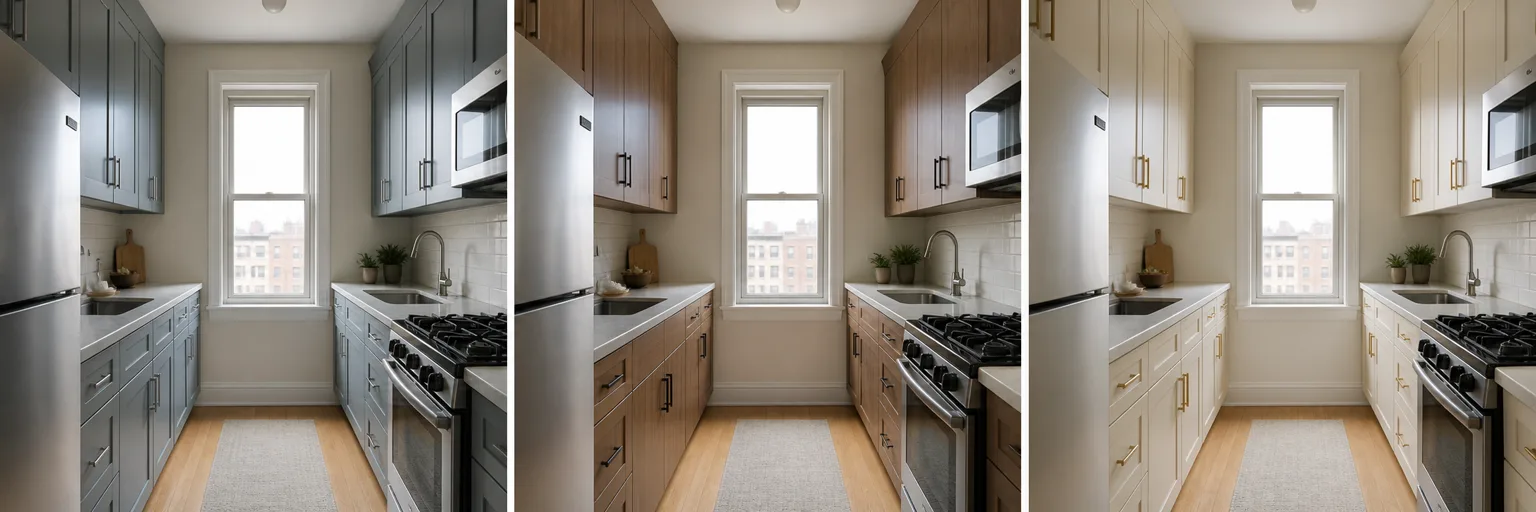
Use the New Style tool to reinterpret a kitchen photo as modern, farmhouse, Japandi, industrial, Scandinavian, traditional, and many other directions. Keep the source beside the result so the comparison stays useful.
Style is a system
A style name matters because it coordinates several decisions at once. KitchenGPT uses a room-aware generative workflow to create that combined visual—not a simple color filter placed over the photo.
Move beyond vague labels like “clean” or “warm” by seeing how a complete style treats cabinetry, color, surfaces, and lighting together.
Compare the restyled result with the original room so the design direction stays grounded in a space you recognize.
A saved comparison makes the tradeoffs between calm, bold, warm, minimal, and traditional directions much easier to discuss.
Once the overall language is right, move to focused tools for cabinet fronts, paint, material, floor, backsplash, handles, or appliances.
How it works
Generation usually takes minutes, depending on current demand. Spend the time comparing the results, not trying to imagine how a style label might translate to your room.
1Choose a photo that shows the cabinets, main surfaces, and enough of the room to understand the existing design.
 2
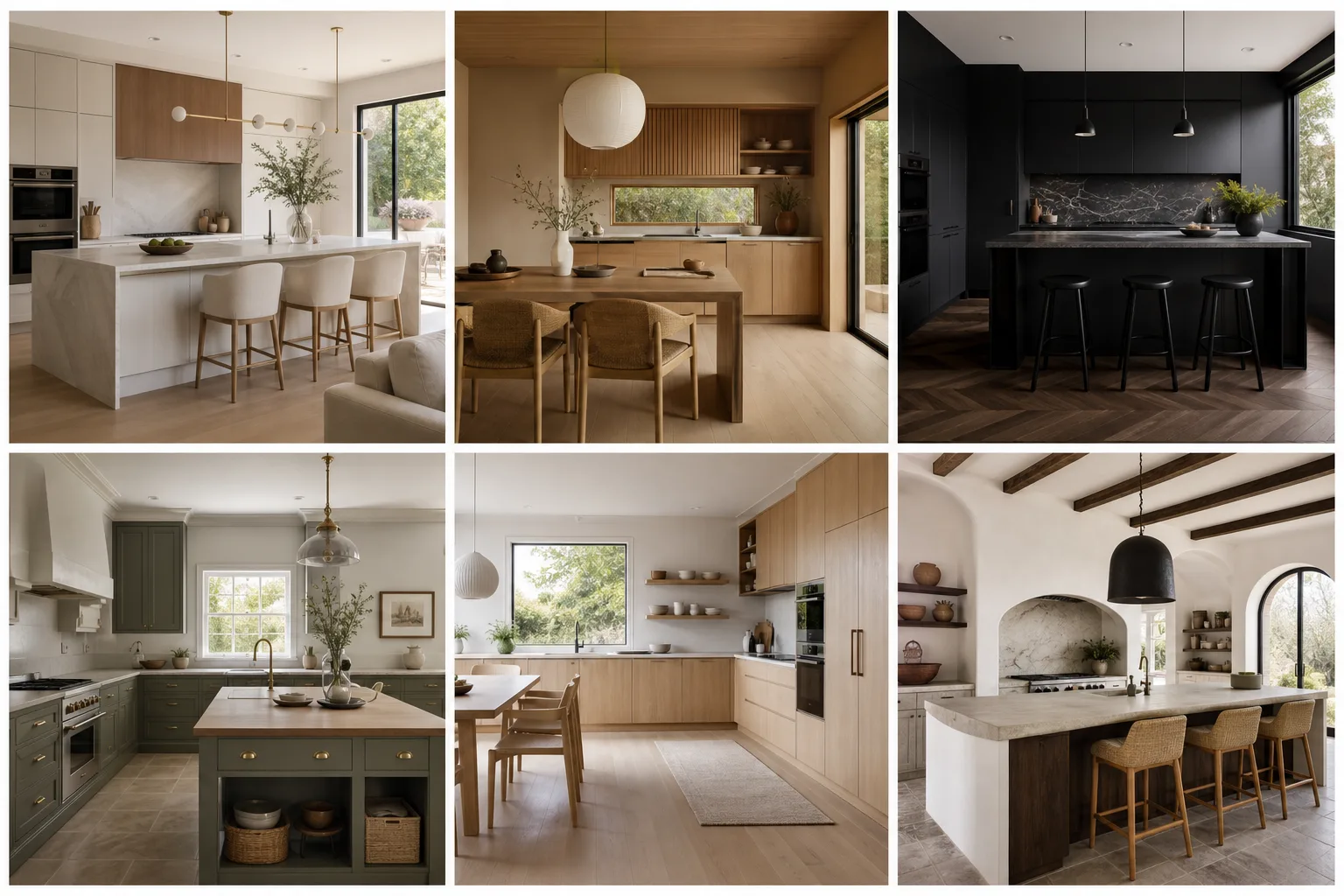
2Browse the style library and pick the language you want to test—from quiet minimal rooms to warmer traditional interiors.
 3
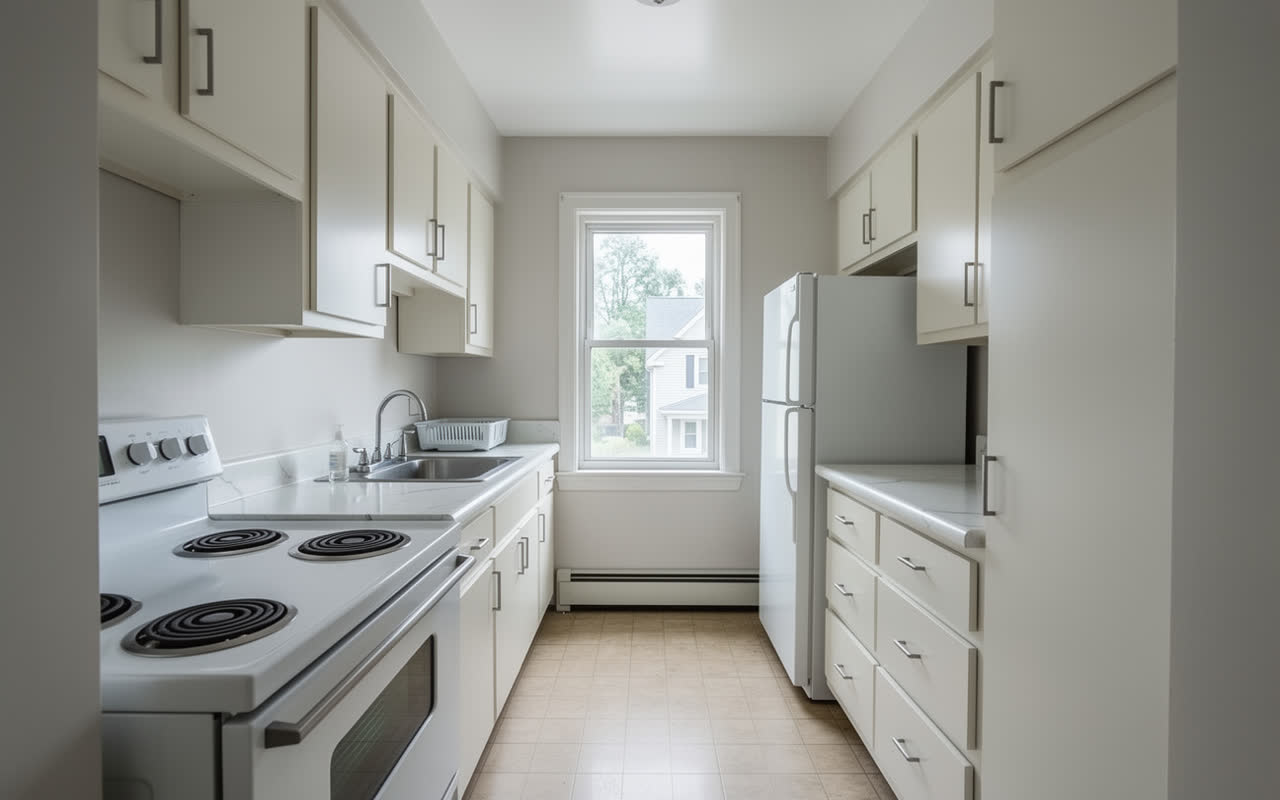
3The New Style tool interprets the source room through that design direction, changing the visual character without requiring manual masking.
 4
4Save the strongest options and judge them together. The right style is easier to recognize when several credible directions are visible at once.
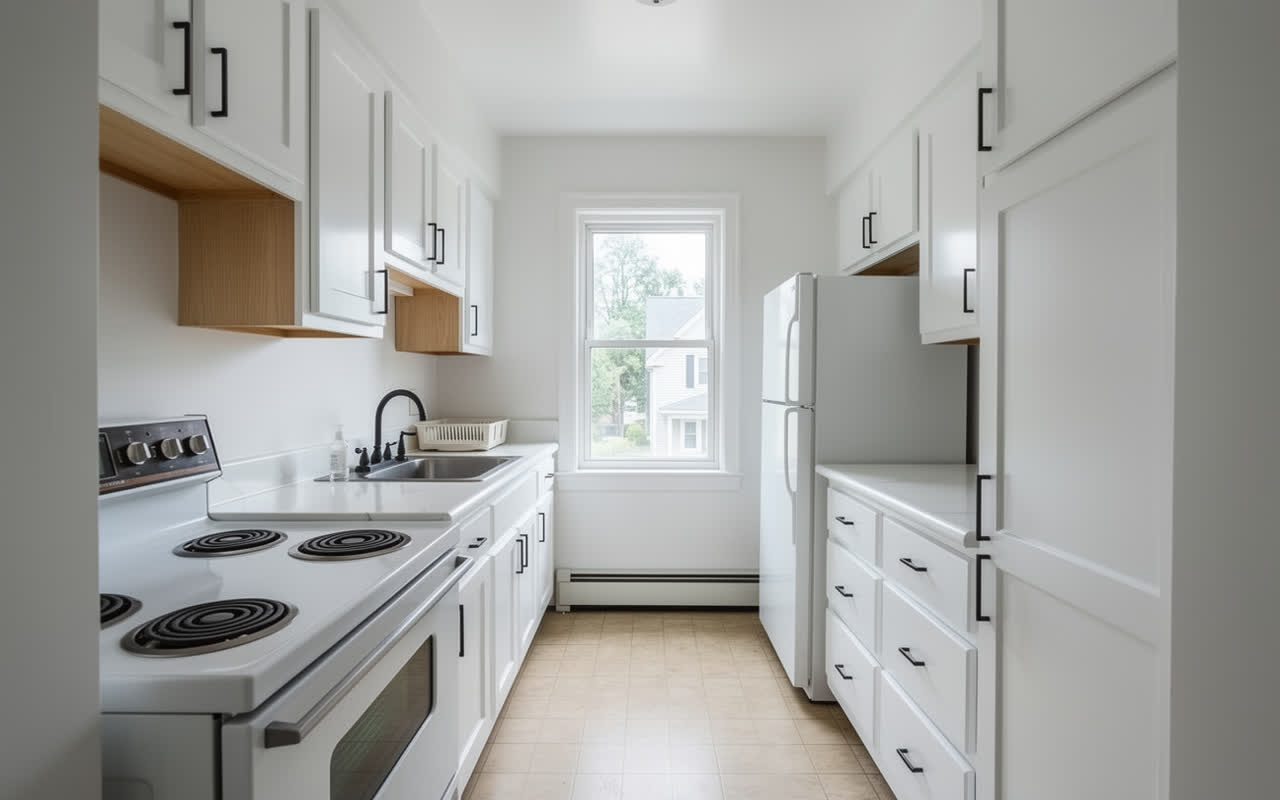
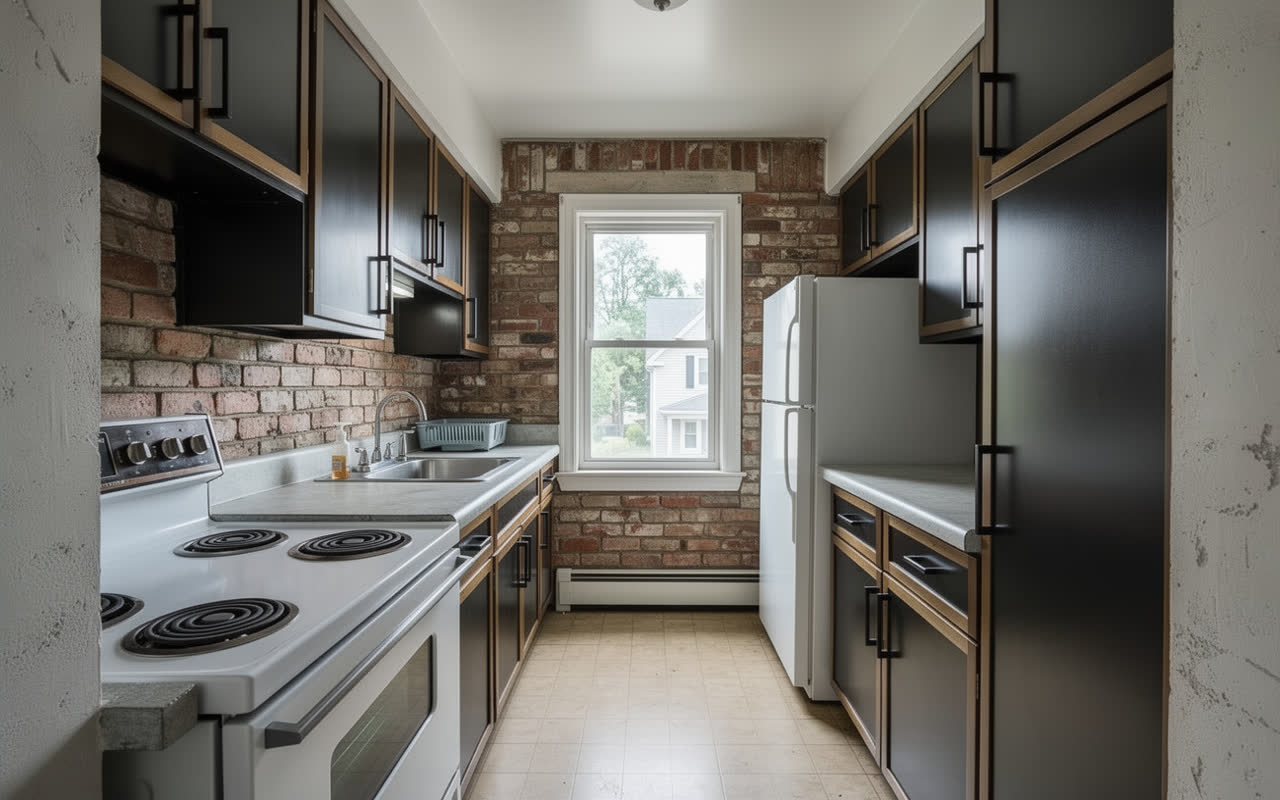
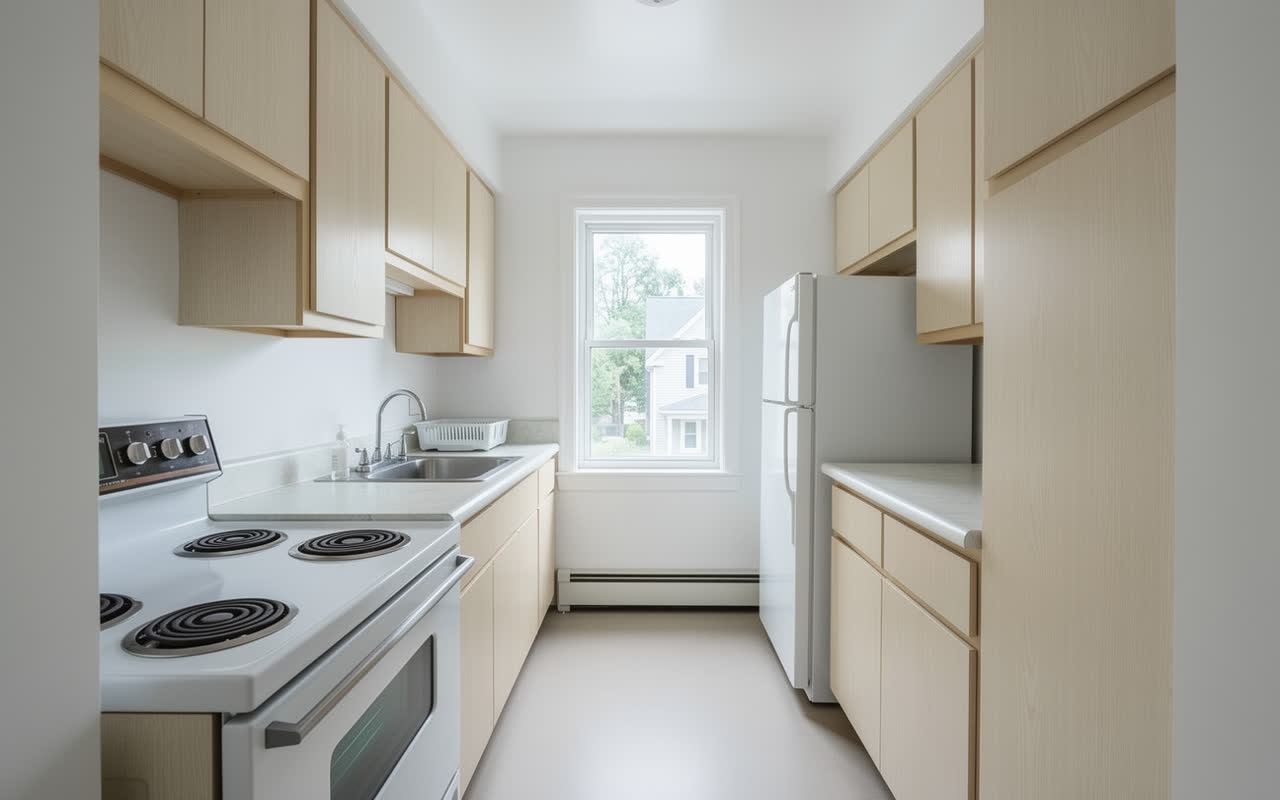
A few directions to explore
Use these as starting points, then browse the full style library inside KitchenGPT.
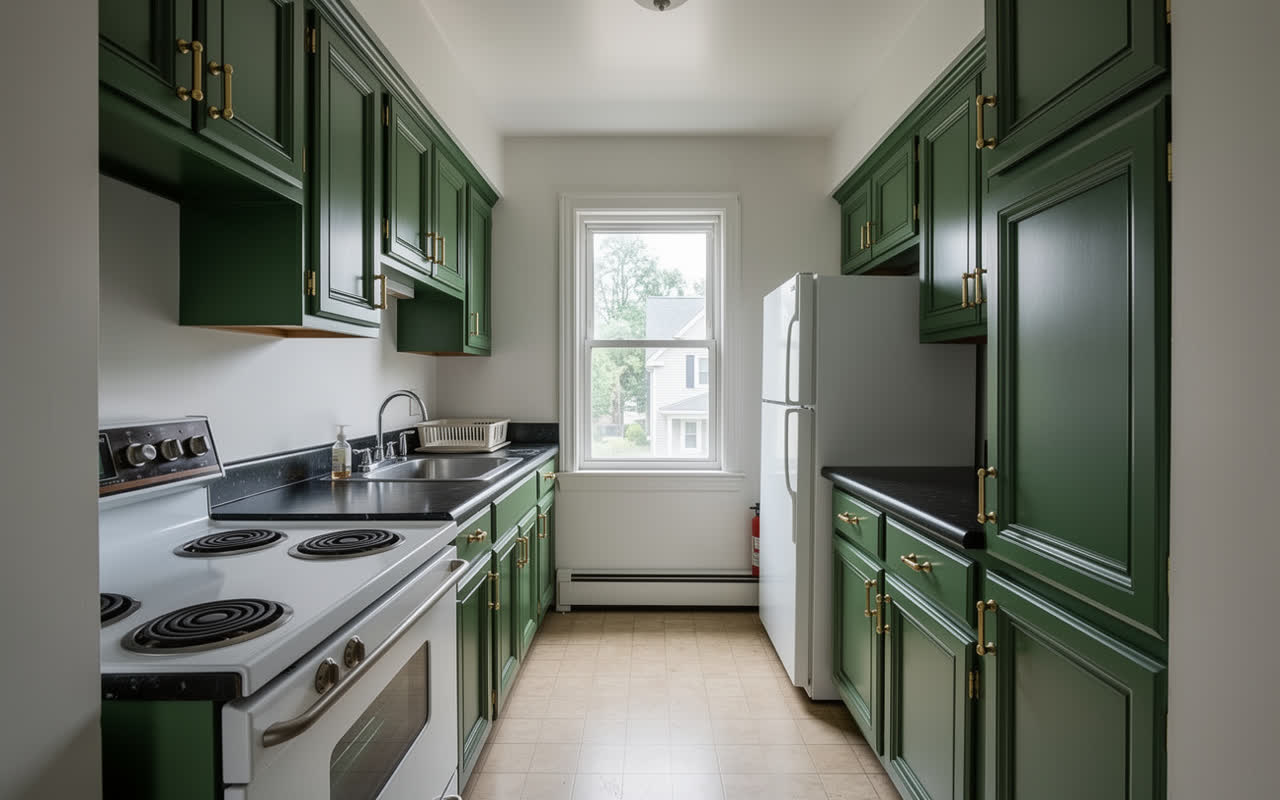
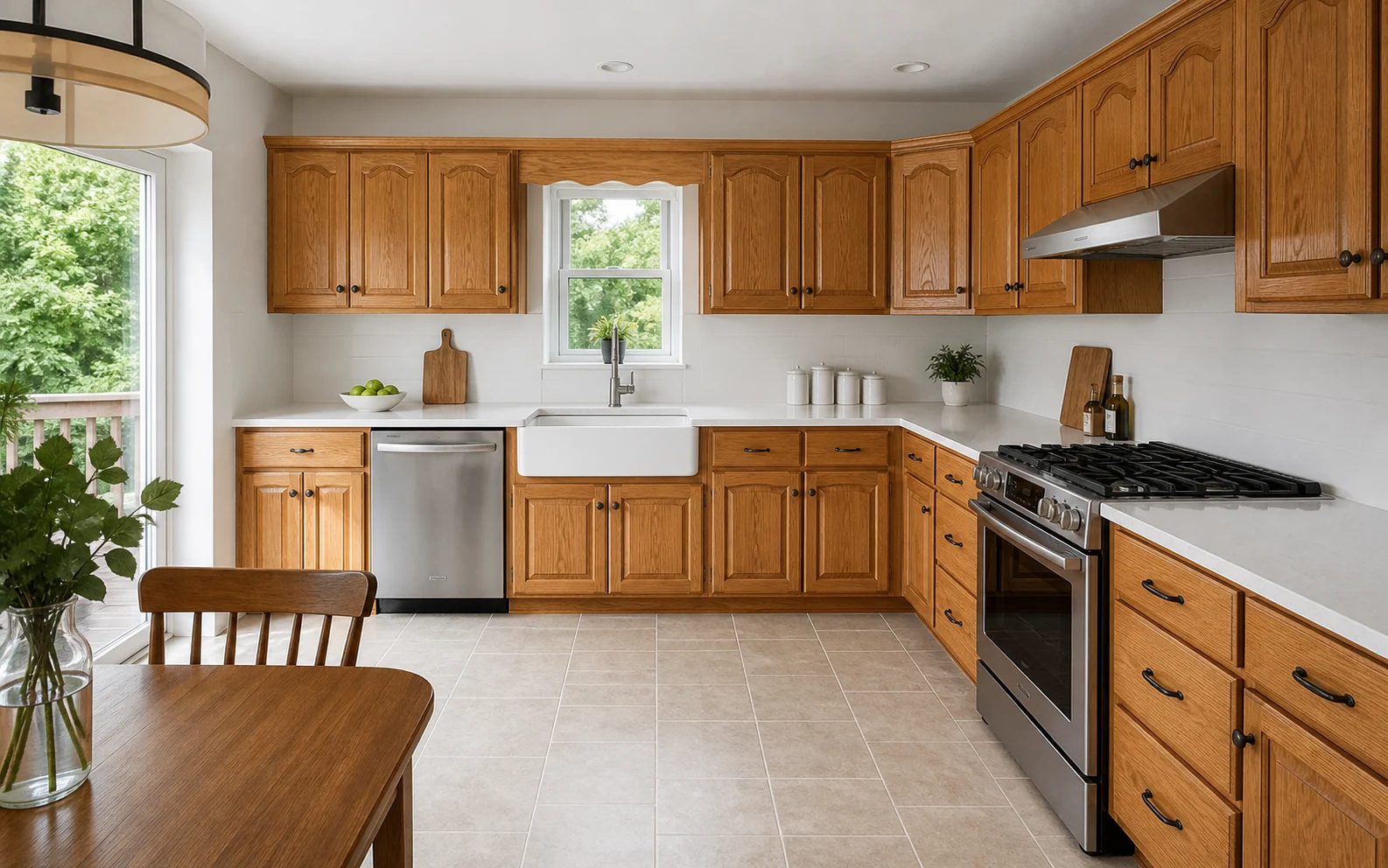
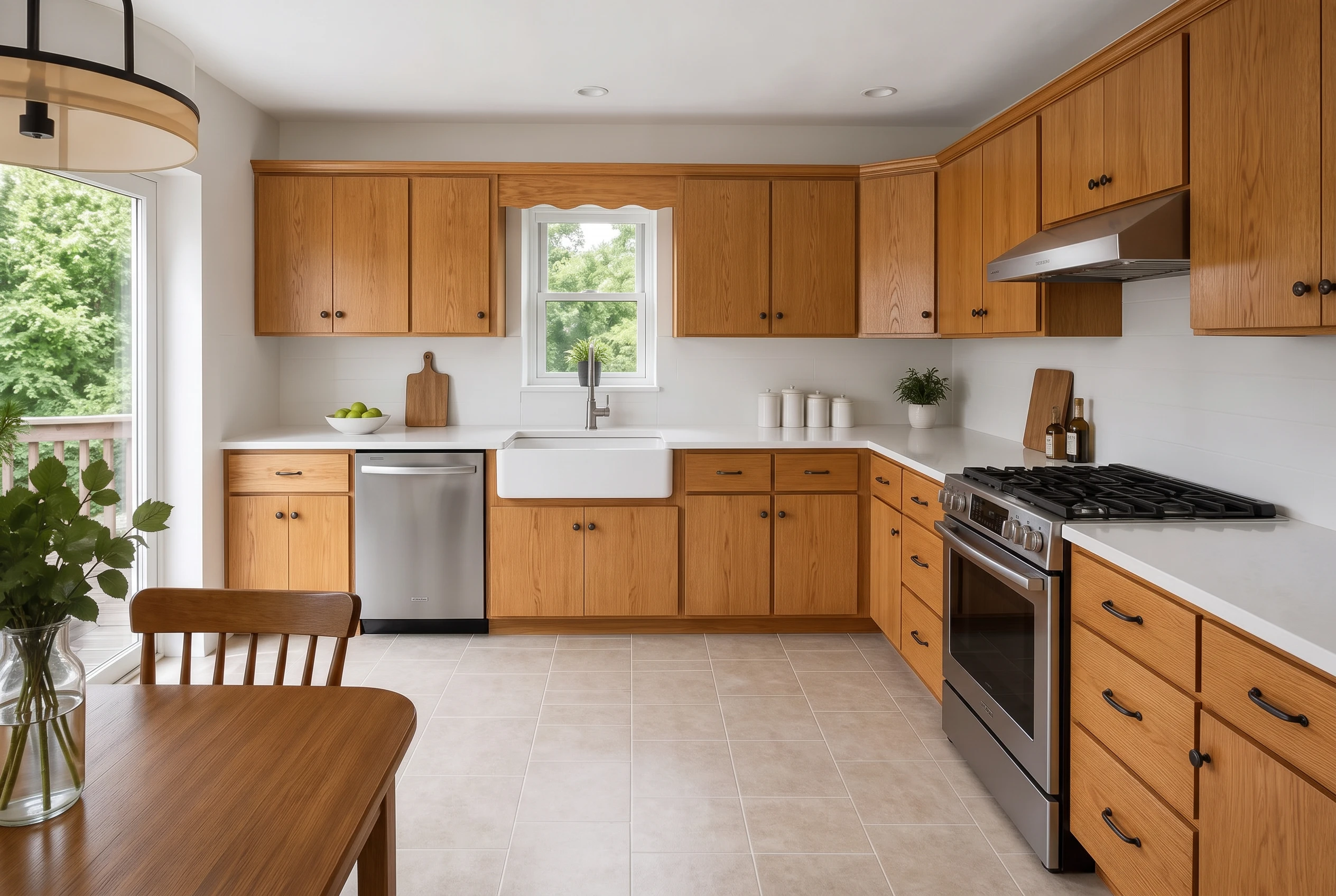
After style comes specificity
Once the overall room feels right, the broad New Style tool has done its job. Continue with the focused Studio tools to compare door profiles, paint, wood, flooring, tile, hardware, or appliances without restarting the entire conversation.
Generated images are design visualizations. Use real samples and measured drawings to verify color, scale, and construction details before ordering.
Put the design direction on your own room, save the strongest versions, and make the next material decision from something you can see.